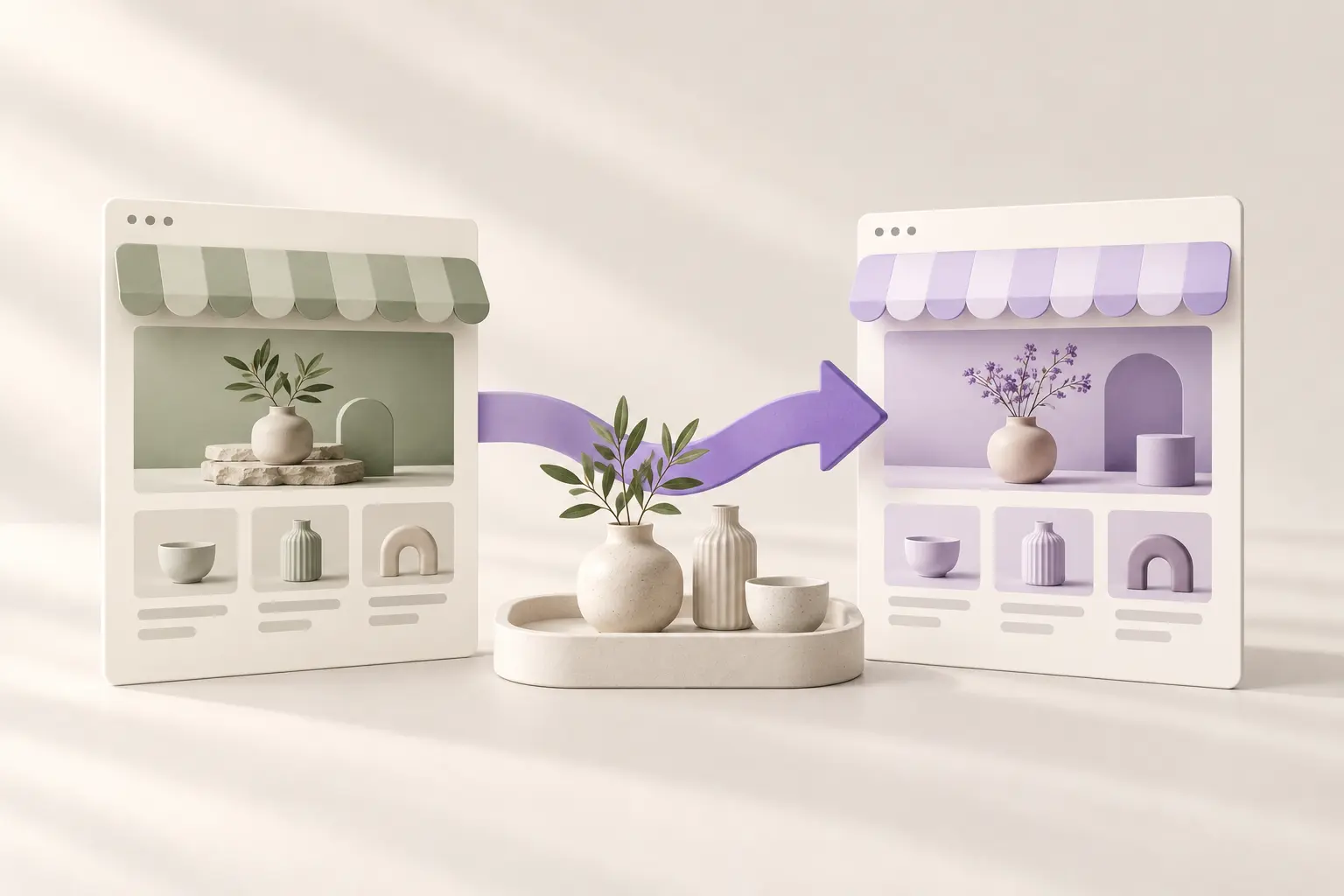
Changing the look of a store should not require rebuilding its catalog. In WordPress, the presentation layer and the underlying content are related but different. A new design can leave product records in place while changing the templates, navigation or features that display them. The safest approach is to make that boundary explicit, test the change on a copy and keep a recovery path before touching the live store.
There is no universal promise that every theme switch or demo importer preserves everything you care about. A shop can depend on custom fields, builder content, theme-specific features and extensions. Use the sequence below to identify those dependencies and verify the result, rather than treating activation as the end of the redesign.
Record the state you want to preserve
Start with a short inventory: product count, a few representative product IDs, assigned shop pages, active extensions, menus and the page currently used as the homepage. Include a variable product, an out-of-stock item and anything with custom information. Save screenshots of their current presentation so you can compare meaningful details rather than relying on memory.
Keep the inventory free of customer personal information. You need to know that product options, stock behavior and page assignments still work, not export a list of buyers into project notes. If a feature comes from the current theme, write that down. A special product tab or header search may disappear when its supporting theme code is no longer active, even though the product record remains.
Make a backup and rehearse on staging
Take a complete backup of the database and relevant files using the process supported by your host. Confirm where the backup is stored and how restoration works. A backup that nobody knows how to restore is a weak recovery plan. For a busy shop, coordinate the live change so that restoring an old database would not discard orders placed after the backup.
Create a staging copy for the rehearsal. Make sure it cannot send routine customer emails or accept real payments, and keep it out of search indexing. Those are environment checks for the copy you control, not changes to make blindly on a production store. The staging site should contain enough representative data to reveal layout and compatibility issues.
Change one layer at a time
Install the required foundation, activate the chosen design and inspect the result before adding unrelated extensions. If the tool also offers demo products or pages, understand that import separately. Sample content can make a new store easier to explore, but it is usually unnecessary for a store that already has a catalog. Avoid combining a redesign, a payment-gateway migration and a bulk content replacement in one untested step.
WooCommerce’s theme guidance distinguishes content retained by WordPress from features supplied by a theme. Use that distinction when something appears to be missing. First check whether the record still exists in the administrator area. Then examine the template or extension that should display it. A missing block on the front end does not automatically mean the underlying product was deleted.
Verify the page assignments and product detail
Open the configured Shop, Cart, Checkout and My Account pages. Check the store settings if a link leads to an unexpected page or a duplicate-looking URL. A design can have a custom homepage without changing the responsibilities of those commerce pages. Keep their assignments stable unless the migration plan explicitly requires a change.
Now compare the representative products from your inventory. Read the title and description, select options, review price and stock messages and check the image gallery. Look at both wide and narrow screens. If your shop depends on a specific extension, test the related feature rather than assuming that a normal product page proves every integration is compatible.
Understand Temvella design workspaces
Temvella uses one Base theme with design packages selected through the Library plugin. Its design workspaces keep saved brand, homepage, header and footer settings associated with the relevant design. Switching between available designs is therefore a presentation workflow, while WooCommerce continues to own the catalog. Internal saved page versions support that workflow and are not intended to be a second public page library.
This separation helps you return to earlier design choices, but it does not remove the need for a backup or a compatibility check. Custom code and third-party integrations can still affect the result. Use the private preview to compare appearance, then check the actual staging storefront after applying the design. Browse the collection and consult the current setup guidance for supported requirements.
Approve the result before the live switch
Finish with a realistic shopping path and a written list of remaining issues. If you test a payment, use the gateway’s test mode on your own authorized staging store. Confirm that navigation, account access and cart behavior remain usable with the new presentation. Do not publish a redesign while a critical buying step is still ambiguous.
For launch, repeat the agreed change rather than improvising a new import. Keep the previous design available, note the time of the switch and inspect the live pages immediately afterward. Our storefront checklist provides a useful final pass. A successful redesign preserves the business workflow as carefully as it changes the visual one.
Sources and further reading
WooCommerce: installing a theme. Technical references checked October 26, 2026.
WooCommerce: store page assignments. Technical references checked October 26, 2026.